


Staying Safe on LinkedIn: Watch Out for Fake Profiles
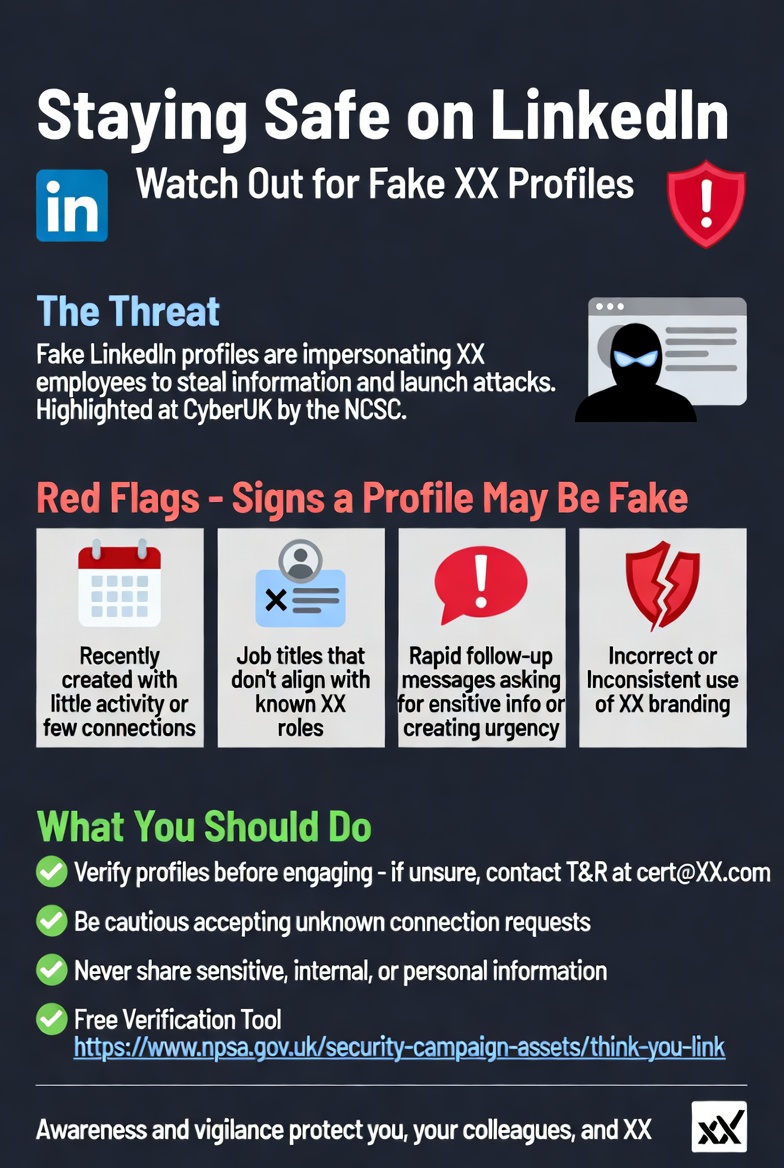
In today’s professional world, LinkedIn is the go-to platform for networking, recruitment, and business connections. But with its growing popularity comes a rising threat: fake accounts that falsely claim to represent organisations.
This isn’t theoretical. At the recent CyberUK event hosted by the UK’s National Cyber Security Centre (NCSC), this exact tactic was highlighted as a common and highly effective social-engineering method used by threat actors. These imposters build trust, gather intelligence, and set the stage for more serious cyber attacks such as information theft.
Threat actors are creating accounts on LinkedIn that appear to belong to legitimate employees. Some may be old or inactive (“stale”), while others are completely fabricated. These profiles are used to connect with real staff, suppliers, and customers — then exploit that relationship for malicious purposes.
How to Spot Fake Profiles
1: Recently created profiles with little activity or very few connections
2: Job titles or functions that don’t align with known roles
3: Rapid follow-up messages after connecting, especially those that:
Ask for sensitive or internal information
Create urgency or pressure to respond quickly
4: Incorrect or inconsistent use of branding (logos, colours, terminology)
Helpful UK Government resource
The National Protective Security Authority (NPSA) has created a free tool to help identify fake social media profiles: Think You Know? Check the Link →
What You Should Do
Protect yourself, your colleagues, and your organisation by following these simple steps:
1: Verify before engaging — Take a moment to review the profile carefully.
2: Be selective with connection requests — Think twice before accepting requests from people you don’t recognise.
3: Never share sensitive information — Keep internal, confidential, or personal data off LinkedIn messages.
Stay Vigilant, Stay Safe
Cybersecurity awareness, especially on professional platforms, plays a vital role in defending against social-engineering attacks.